For game developers
Game-Ready 3D Models: A Checklist for Scale, Pivots and Files

Short answer: a 3D model is ready for a game when it drops into the engine at the right size, sits on the ground, faces a known direction, and arrives with a sensible triangle count, a lighter LOD where it matters, a simple collision mesh and names the engine can read. Texture count and file formats come next. This checklist shows each check with real numbers from our Larkspur Farmstead files, so you can test any asset the same way.
The examples come from the delivered files of Larkspur Farmstead, a soft low-poly farm collection, and from its live product pages, checked in October 2026. Browse more kits in game assets.
The game-ready checklist at a glance
Run these nine checks on any model before it goes into a level. Most problems people blame on the engine are really one of these.
| Check | What to look for | Larkspur Farmstead example |
|---|---|---|
| Units and scale | Modelled in metres at true size | Kitchen dresser 1.44 x 0.55 x 2.00 m |
| Up axis and facing | A stated up axis and front direction | Z up and front -Y in Blender; GLB exported Y up |
| Origin (pivot) | On the ground or on the snap point | Floor props: bottom centre at zero height |
| Grid fit | Modular pieces sized to one grid | 2 m wall runs, 3 m storeys |
| Triangle budget | A ceiling per asset size | Plain wall 200 triangles, dresser 2,878 |
| LOD | A lighter mesh for distance on larger assets | Dresser LOD1: 1,196 triangles, 42% of the full mesh |
| Collision | A simple separate proxy, not the render mesh | Dresser proxy: 12 triangles, one box |
| Naming | Predictable names with no accidental importer hints | LV_KitchenDresser, LV_KitchenDresser_LOD1, LV_KitchenDresser_collision |
| Materials and files | Few materials, textures beside the files that use them | One shared atlas material; BLEND, GLB, FBX and OBJ per design |
Scale, up axis and facing
Scale is the check that fails most often and the easiest to test. Import the model next to a 1 m cube or a 1.8 m capsule. A door should be about 2 m tall, a chair seat about 0.45 m off the floor. If a model comes in a hundred times too big or too small, it was authored in centimetres or an arbitrary unit, and every copy of it in your game will need a scale fix.
The glTF 2.0 specification from Khronos settles this for GLB files: linear distances are in metres, +Y is up and the front of an asset faces +Z. Blender works Z up, so the exporter converts the axes. That is why our files state both: units are metres, Z up and front -Y in the Blender file, and the GLB is exported Y up. Whatever source you buy from, look for a line like that in the readme. If it is missing, check one model by hand before you place a hundred.
Facing matters as much as up. A bench, a cart or a shop sign that faces a random direction has to be rotated by hand every time you place it, and procedural placement code cannot rotate it reliably. One front direction for a whole collection saves that work.
Origins and pivots: where the model sits
The origin is the point the engine treats as the model's position. If it sits at the centre of the bounding box, a crate placed at ground height sinks halfway into the floor. Good game assets put the origin where the object meets the world:
- Floor props and furniture: bottom centre, at zero height. The kitchen dresser's mesh runs from exactly 0 to 2.00 m in height, so it stands on any floor you drop it on.
- Trees: the base of the trunk. A Broad Oak 10.19 m across still plants cleanly because the canopy spread does not move the origin.
- Hanging pieces: the hook, so a lantern or sign snaps to its bracket.
- Modular pieces: their grid coordinates, so neighbours join with no gap.
- Moving parts: the hinge or axle.
Moving parts are where origins really earn their keep. The Dutch Stable Door has two leaves, upper and lower, each a separate child object whose origin sits on its hinge. Rotate a leaf and it swings like a real door, from 0 to 110 degrees. The Red Timber Barn has two sliding doors that each travel 2.2 m and a loft door on a hinge. The files include no animation clips, so you animate the parts in your engine, but because the pivots are right, a single rotation or slide is all it takes.

Grid fit for modular kits
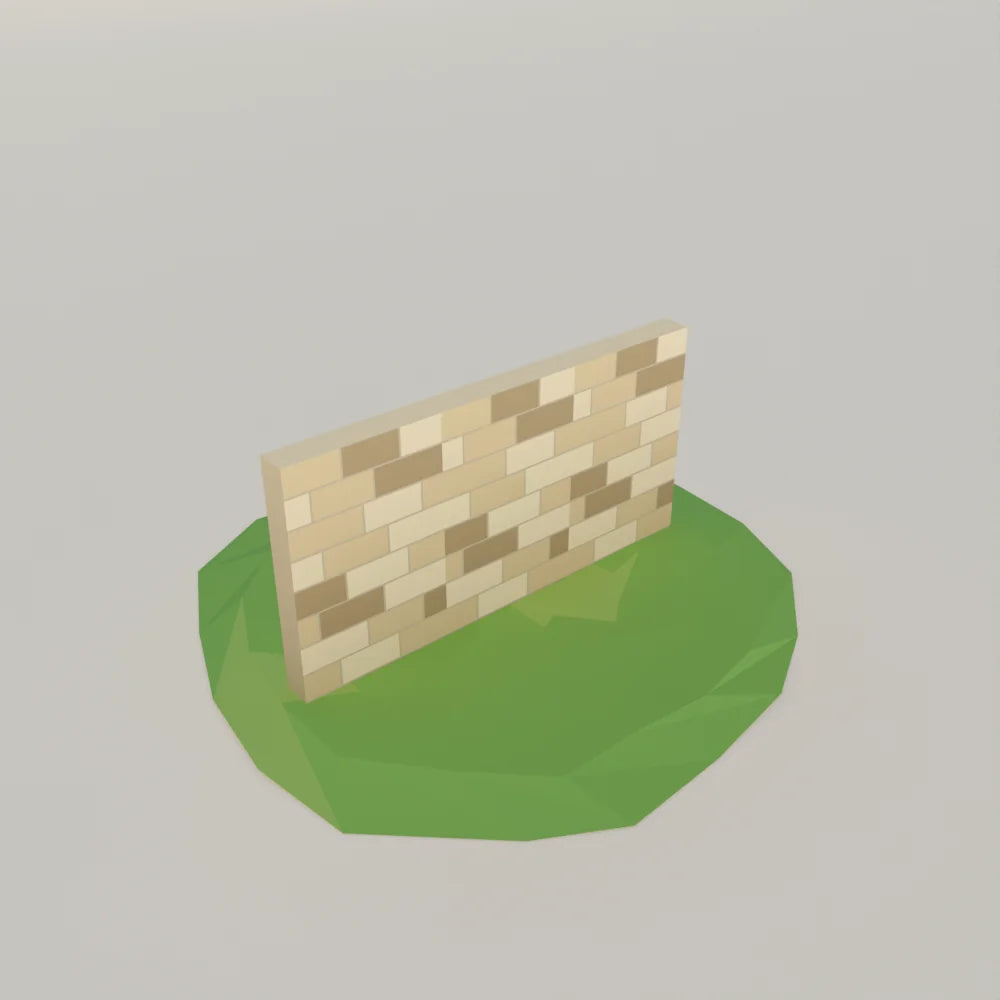
Modular building kits only work if every piece agrees on one grid. Larkspur uses a 2 m architecture grid with 3 m storeys. The Limestone Farmhouse Wall is 2.00 m wide and 3.00 m tall, and in the GLB its mesh runs from -1 m to +1 m along its width, so two walls placed 2 m apart meet edge to edge. Its top is cut flat so a second storey can sit on it.
When you test a kit, place three walls in a row, a corner and a window wall, then look along the seam at a low angle. Gaps or overlaps of a few centimetres show up as light leaks or flickering faces. If the pieces were authored on a grid, you can set your engine's snap to the same value and never type a coordinate by hand.
Triangle budgets, LODs and collision
A triangle count on its own says little. What helps is a ceiling per kind of asset. The Larkspur collections are built to these LOD0 ceilings: 400 triangles for a small prop, 1,200 for a medium prop or piece of furniture, 3,000 for a large set piece, 350 for a modular wall or roof piece, 2,200 for a tree and 9,000 for a hero building. The live pages show where real assets land: the plain wall at 200, the Dutch door at 320, the dresser at 2,878 and the Red Timber Barn at 8,042. For measured budgets across hundreds of assets, see how many triangles is low poly.
LODs. A lighter level of detail only pays off on assets with enough triangles to save. Small wall pieces ship without one. Larger pieces such as the dresser, the barn and the oak include a mesh named with a _LOD1 suffix. The dresser's LOD1 has 1,196 triangles against 2,878, about 42%, with the same bounds, so it swaps in at a distance without popping in size.
Collision. Never use the render mesh for physics. The dresser's collision proxy is a single 12-triangle box that matches the outer bounds, and the plain wall's is the same. In our files the proxy is a separate node named with a _collision suffix in GLB and FBX, hidden in the Blender file, and left out of the OBJ. You either hide it or convert it to your engine's collider on import. A proxy built from a few boxes or hulls is far cheaper for the physics engine than thousands of render triangles, and it keeps characters from catching on carved details.
Names, variants and file layout
Names are how engines and scripts find things, and they cause more silent import problems than most people expect. Godot's importer, for example, reads name suffixes such as -col, -colonly and -wheel and turns those nodes into collision shapes or vehicle wheels, as its documentation on node type customization explains. A mesh that happens to end in one of those hints changes type on import. Our names avoid those hints on purpose, so a default import keeps every mesh as a mesh.
A clear scheme also makes variants usable. In Larkspur Farmstead:
- The default version of a design is LV_<Name>, for example LV_KitchenDresser.
- Other versions add their name: LV_KitchenDresser_sage is the painted dresser. All versions share one origin, so you show one and hide the others.
- Moving parts are LV_<Name>_<part>, such as LV_DutchDoor_leaf-upper, parented to their mesh.
- In GLB and FBX every object hangs under one empty, LV_<Name>_root, at the origin, so importers that fold a single top node still keep each mesh's own name.
File layout matters for the same reason. Each design has its own folder with asset.blend, asset.glb, asset.fbx and asset.obj with its MTL, and the shared atlas texture sits beside the FBX and MTL that name it, so textures resolve on import. GLB carries the hierarchy, materials and collision node in one file; FBX keeps the hierarchy for engines that prefer it; OBJ is a static mesh with no hierarchy. The Blender file is the editable source. If you work in Blender, our guide to Blender models covers what to check there.
Materials and textures
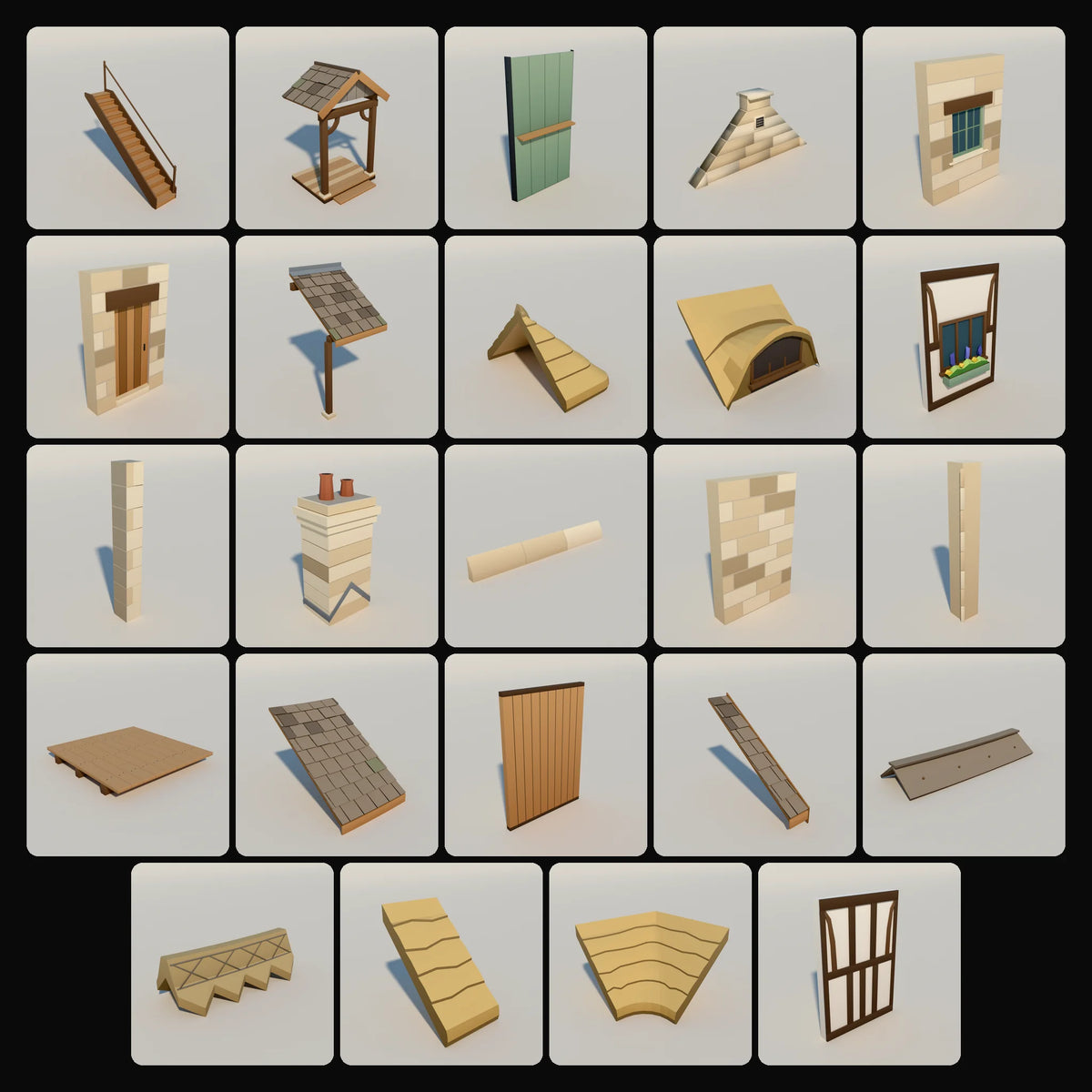
Every extra material on screen can mean another draw call. Larkspur meshes all use one material, LV_Atlas: a 512 px gradient atlas with roughness 0.85, metallic 0 and a few emissive glow cells. One small texture for a whole farm keeps memory low and lets the engine batch many assets together. The Farmhouse Modules Kit shows the effect: 24 assets and 7,817 triangles in total, all on that one material.
For realistic assets the check is different: look for complete PBR map sets at a resolution that matches how close the camera gets. The principle is the same, though. Count the materials per asset and check that every texture a file names actually ships with it.
How to test an asset in ten minutes
- Import one model next to a 1 m reference cube. Confirm size and that it stands on the ground.
- Check which way it faces, and that the up axis came through.
- Open the hierarchy. Look for LOD and collision nodes and check that their names did not trigger importer hints you did not want.
- Count materials and confirm no texture is missing.
- For modular kits, snap three pieces in a row and inspect the seams.
- For moving parts, rotate or slide one and watch the pivot.
- Read the triangle count against your budget for that kind of asset.
If a collection passes these on one or two assets, the rest usually follows, because these rules are set per collection, not per model. For nature and vehicle specifics, see our guides to low poly trees and rocks and low poly cars.
Common questions
How do I get 3D models for games?
You can model them yourself, commission them or buy ready-made assets. If you buy, check the license for commercial use, then run the checklist above on one model before committing to a whole set. The Premade3D Standard License covers unlimited personal and commercial finished projects, including shipped games, with no attribution required.
How do I make a 3D model for a game?
Set your units to metres and decide the grid and budgets before modelling. Keep the silhouette within the triangle ceiling, put the origin where the object meets the world, build a simple collision proxy and an LOD for larger assets, name everything consistently, then export to GLB or FBX and test the import.
Which file format should I use for a game engine?
There is no single answer, but GLB and FBX both carry hierarchy, pivots and separate collision or LOD nodes, which OBJ cannot. Keep the Blender source too, so you can edit and re-export.
Do game-ready models need to be rigged?
Only characters and creatures do. Buildings, furniture and props need correct pivots on their moving parts instead, so doors, lids and wheels can be animated with a simple rotation or slide.
Assets in this guide
Dutch Stable Door
Doors and windows · Larkspur Farmstead
€7,00
- Kit
Farmhouse Modules Kit
24 assets · Larkspur Farmstead
€54,00
Includes 24 assets worth €136,00 separately
Farmhouse Kitchen Dresser
Kitchen fittings · Larkspur Farmstead
€12,00
Broad Oak
Trees · Larkspur Wilds
€12,00
Red Timber Barn
Farm buildings · Larkspur Farmstead
€19,00
Limestone Farmhouse Wall
Architecture · Larkspur Farmstead
€4,00


